Unbound Geometry Toolbar – Vertical Line/ Horizontal Line
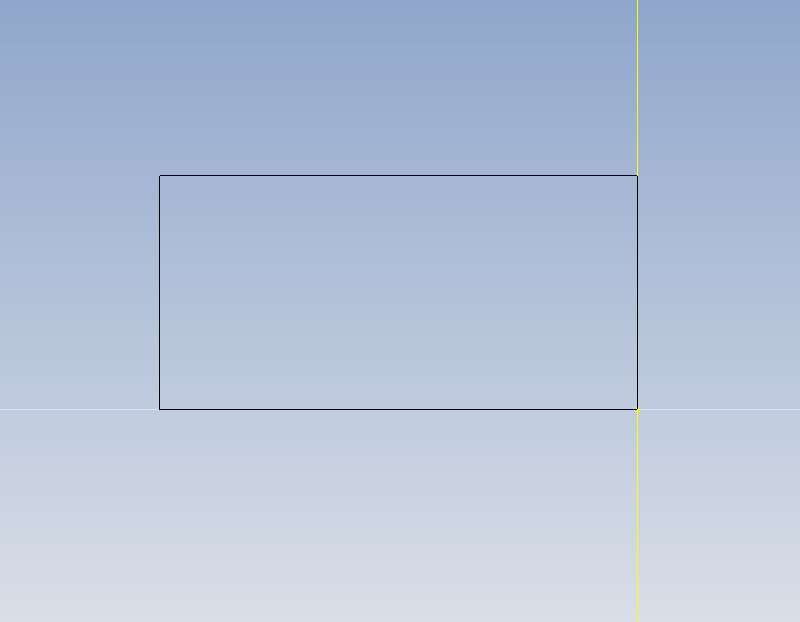
Go to the Unbound Geometry Toolbar and use the Vertical and Horizontal line function to draw a bounding box containing the largest diameter and total length 3.1263 OD x 3.625 Long.
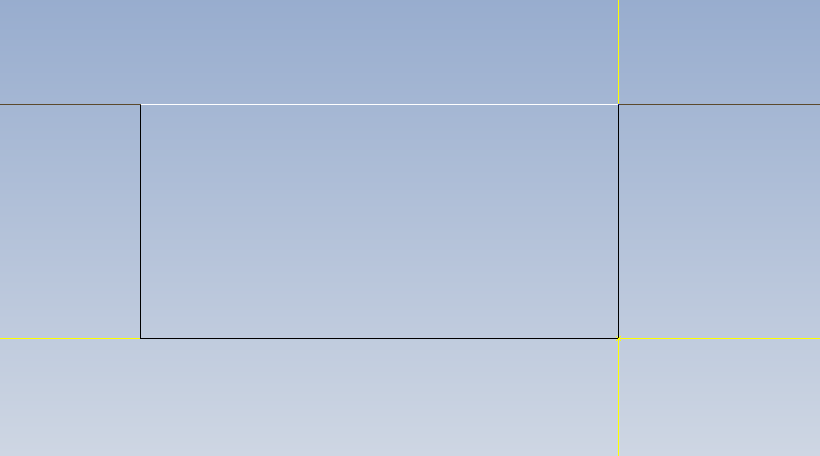
Click on the OD line and type (3.126-275)/2 enter. Move your mouse cursor above and below the reference of the line and notice how it gives you an option for a parallel line of equal distance. Left click to place the line in the desired position (below the OD line).
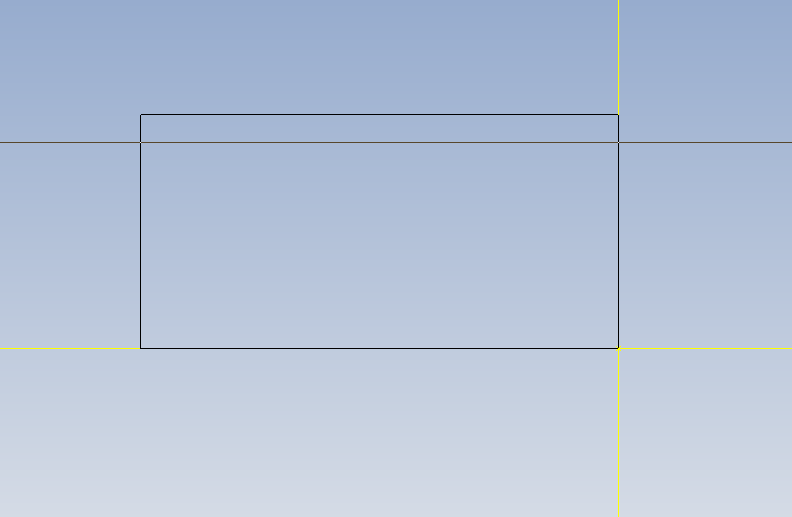
Now Trim excess.
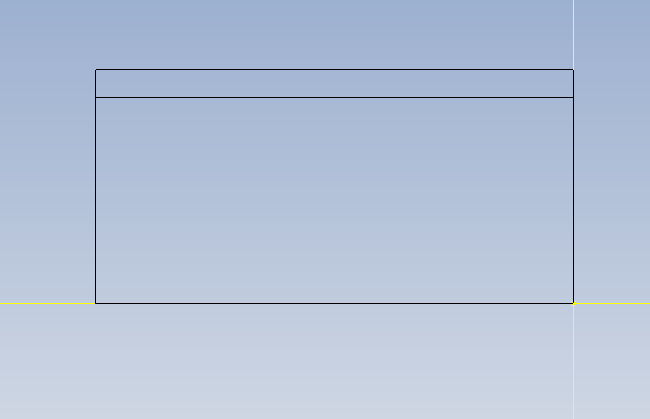
Use line 1 to draw a .25 parallel from the z-3.625 . Left click to the right of the line to place it. Next draw a vertical line parallel to the face z0.0 the distance 1.438 .
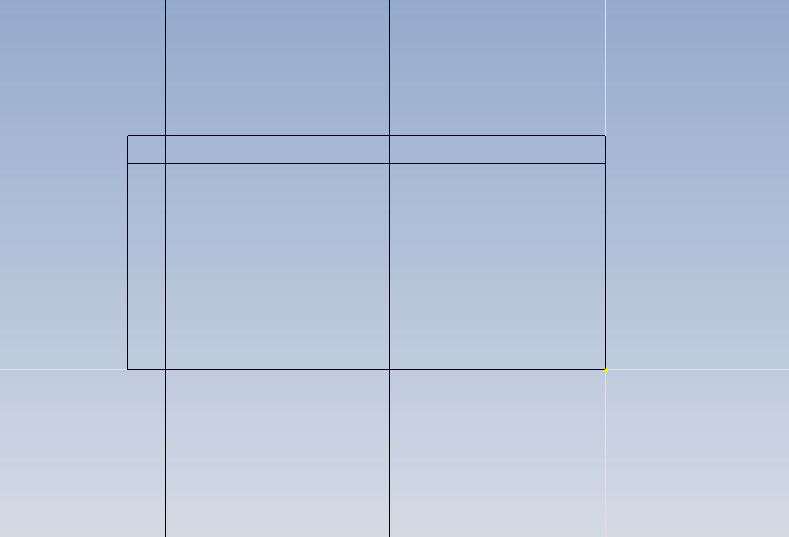
Use the chamfer function to place the following 45 degree line with the distance 1.438-1.25
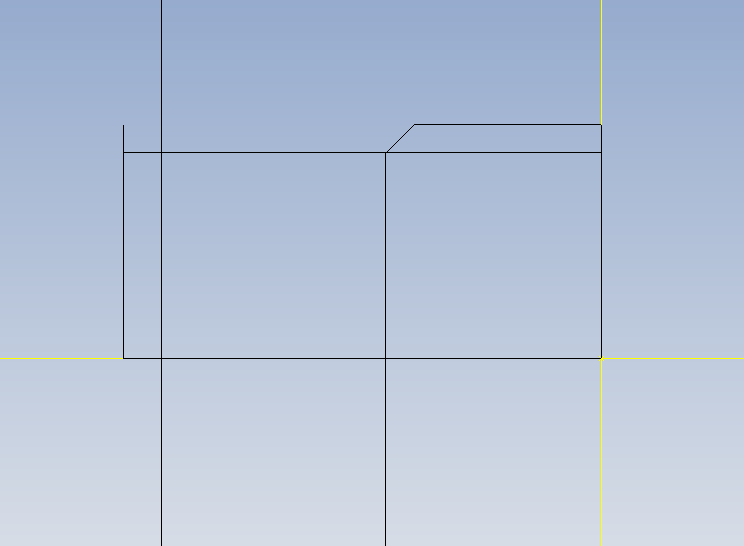
- Hold the Alt Key down and press Enter
- Notice that your Properties window opens up.
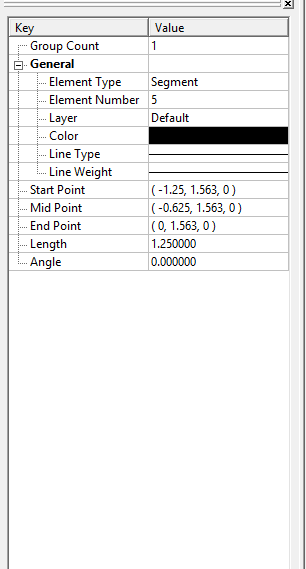
Click on your major OD line. And notice the General section of your properties window; it gives you the start point and end point of the line you clicked.
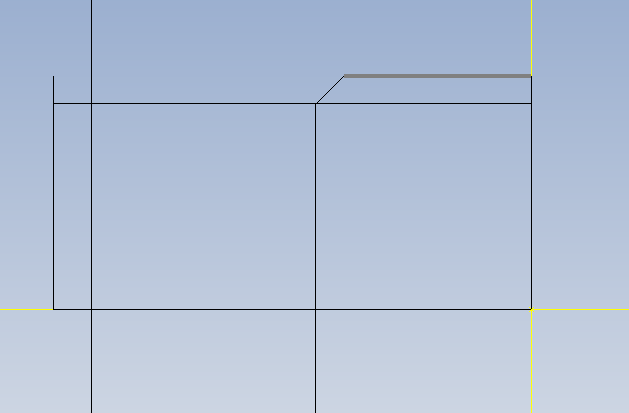
Change the -1.25 value to -3.625. Notice how the line extends to the end point of the length.
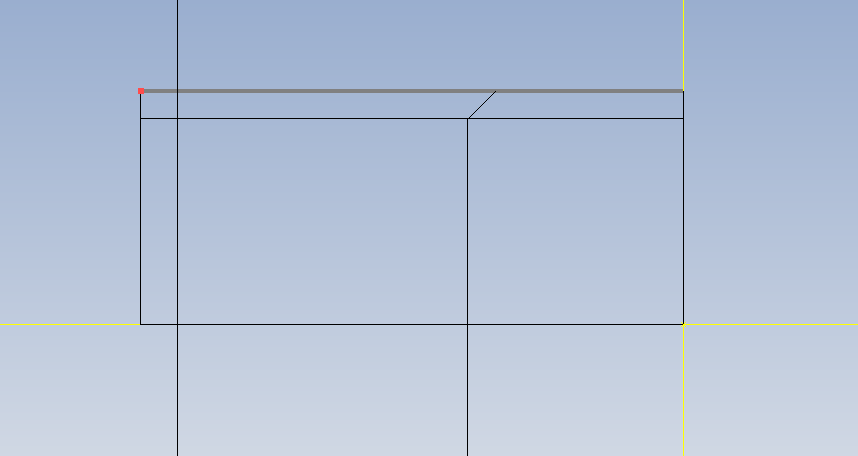
Now Trim
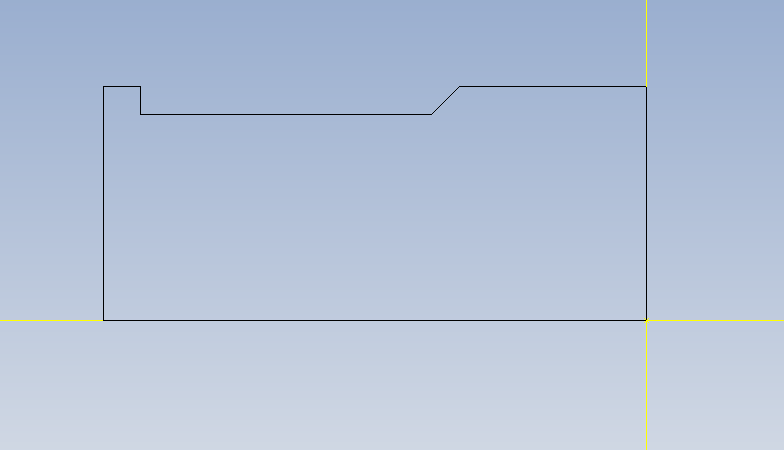
Activate Line 1 function and click the corner of where your 45 degree angle begins.
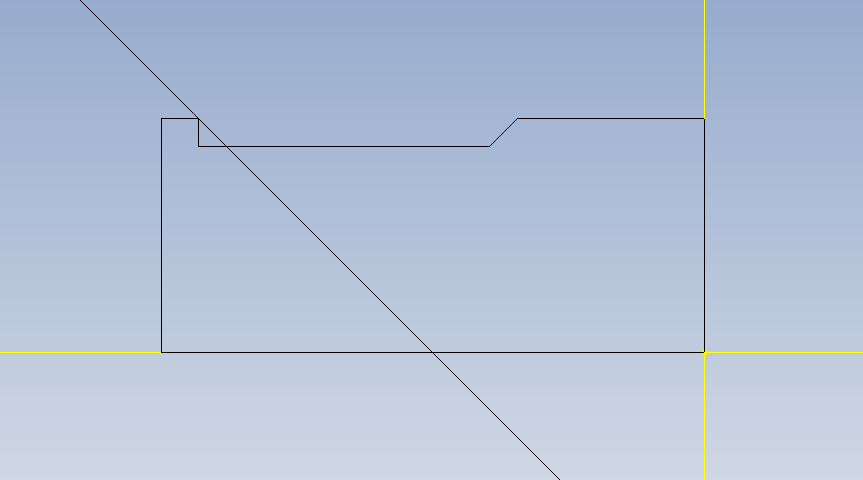
Type -45 for degree reference.
Now Trim
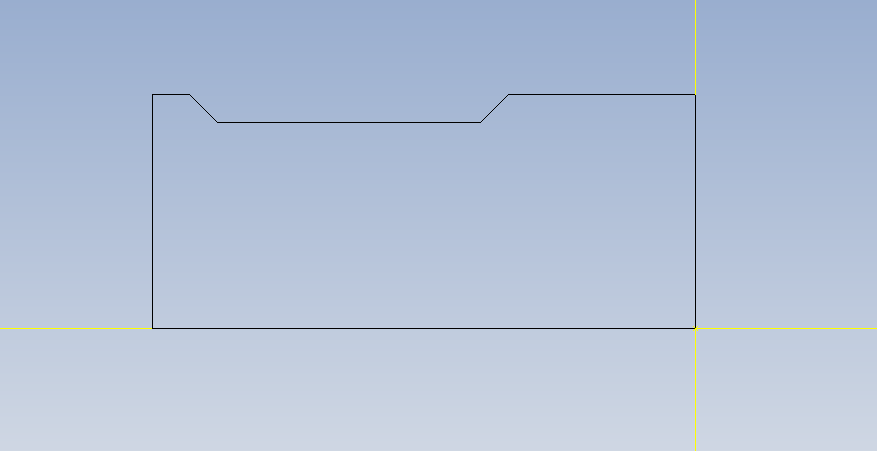
Use Line 1 to draw a vertical line parallel to the face z-1.0
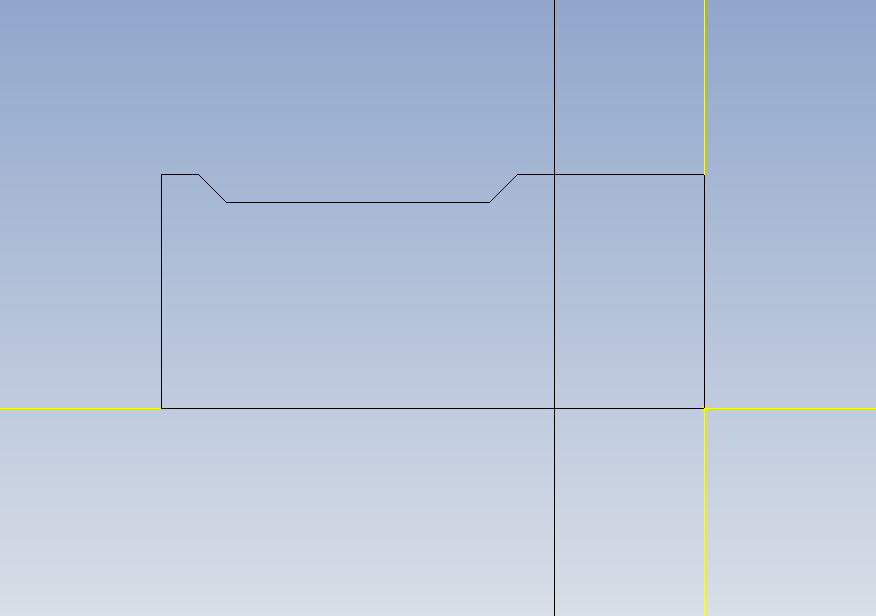
Trim
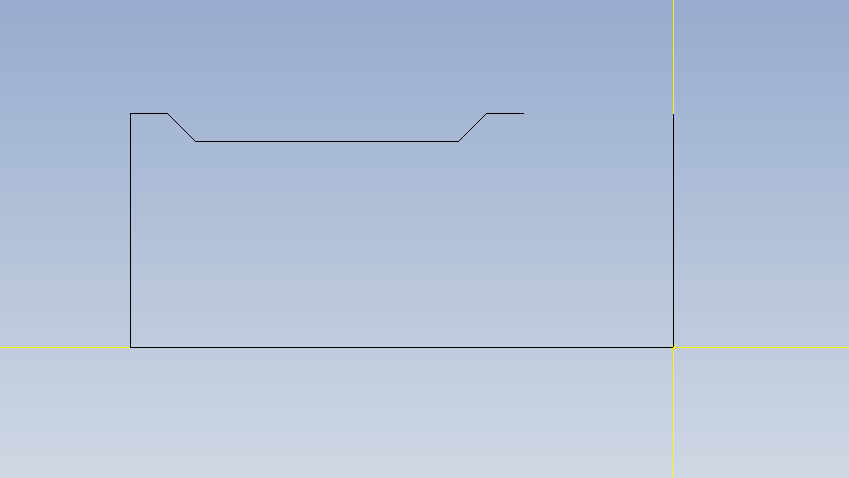
Click Line 1 and click the reference point of where your angle line begins. Enter -10 for degrees.

Now Trim
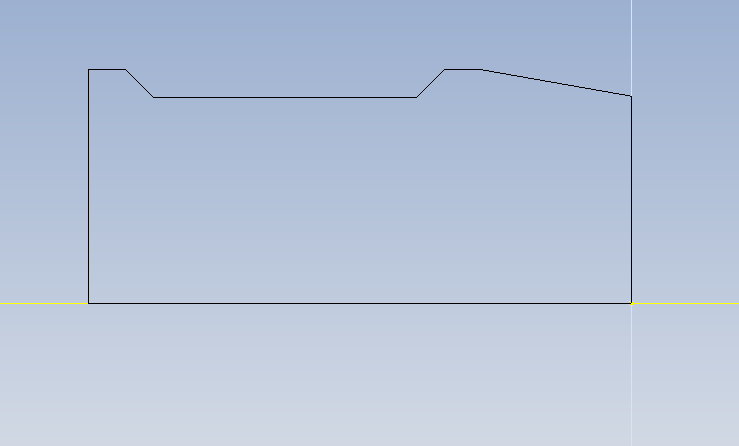
Save Your Work!!!!!
For more Esprit CAM tutorials and videos see:
Related Content
More Esprit CAM Tutorials
Esprit CAM Tutorial-Creating & Adding Tools
Esprit Lathe Tutorial-Drawing 2D Geometry
Esprit CAM Tutorial- Creating & Setting Up Lathe Stock
ESPRIT Mill Tutorial- B Axis Setup
Esprit CAM Tutorial: Lathe Sub-Spindle Setup
Esprit CAM Tutorial: Lathe Basics
Esprit CAM Tutorial: Introduction To Esprit CAD/CAM
Esprit CAM Tutorial: Orientating Part Model For Lathe Operations
Esprit CAM Tutorial: Setting Mill Up Stock
Esprit CAM Tutorial: Creating Layers
Esprit CAM Tutorial: Orient Mill Parts